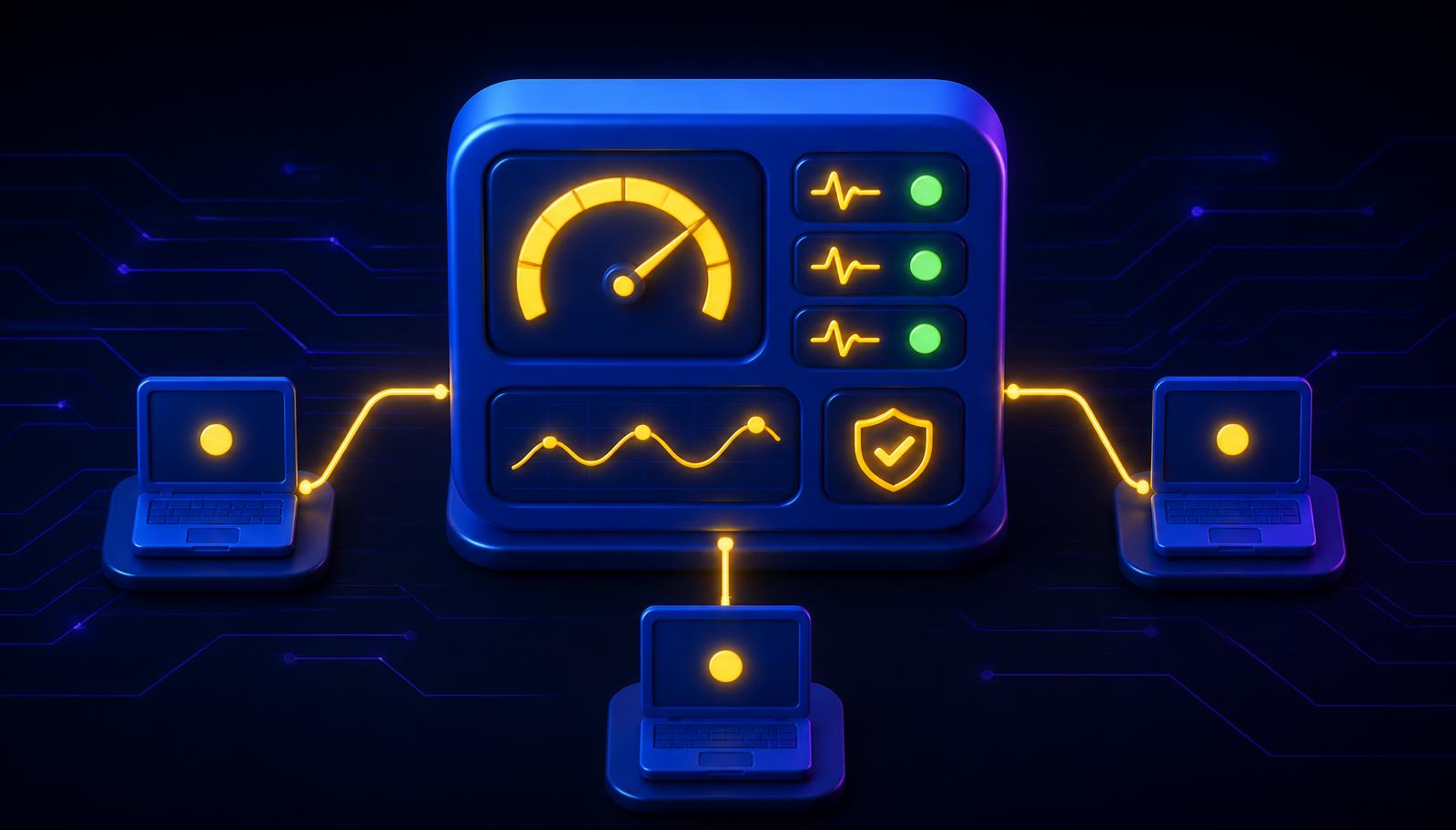
What "we monitor your devices" actually means
Every managed IT pitch includes some version of "we monitor and manage your devices remotely." Almost nobody explains what that sentence actually involves. It's usually one specific thing: a small agent installed on every laptop, desktop and server, quietly reporting back to a remote monitoring and management (RMM) platform - NinjaOne, in our case - twenty-four hours a day.
This is what that agent actually does, what it can fix on its own, what still needs a human, and the honest risk that comes with giving one platform reach into every device you manage.
The agent: what it actually collects
The RMM agent isn't watching what someone types or reading their files. It reports on device health: disk space, CPU and memory load, whether the disk is encrypted, whether antivirus and the patch level are current, whether backup jobs completed, and whether the device is even switched on and reachable. None of it is personal - all of it is operational. That's the same principle Microsoft describes for endpoint security generally: tools that "continuously observe what's happening across your devices, looking for activity that deviates from established patterns," rather than checking in occasionally[1].
The reason this runs continuously rather than on a quarterly check-in matters more than it sounds. Mandiant's 2026 incident-response data puts the global median time an attacker sits undetected inside a network at 14 days, up from 11 the year before[2]. A device that's only checked once a quarter gives a problem - a failing disk, a disabled antivirus, a stalled backup job - weeks to become a crisis before anyone notices. Continuous telemetry is what closes that gap: the point isn't more data, it's catching the same problem on day one instead of day ninety.
Patch orchestration: further than Windows Update
Most small businesses assume "we patch your machines" means Windows Update runs on schedule. That's the easy 20%. The harder, more important part is everything else installed on the machine: browsers, PDF readers, Zoom, Java, Adobe Reader, and the dozens of other third-party applications that are actually where most real-world exploitation happens, because they update less consistently and get less attention than the operating system.
An RMM platform patches both. It maintains a software inventory across every managed device, checks it against known vulnerable versions, and pushes updates on a schedule instead of waiting for someone to notice a machine is six versions behind. Microsoft's own guidance is direct about why the automation matters: automating patching can reduce the time vulnerabilities remain unaddressed[3].
Speed matters more than it used to. Mandiant's 2026 data puts the mean time to exploit a new vulnerability at an estimated -7 days - meaning exploitation is, on average, already happening before a patch is even released[2]. That figure is worth sitting with: it means no patch cadence, however fast, "beats" every attacker on its own. Patching closes the gap for the vulnerabilities being patched; catching the ones that get exploited first is a detection-and-containment problem, not a patching one - which is exactly why the monitoring layer and the patching layer run on the same platform rather than as two separate tools that don't talk to each other.
Scripted remediation: the fixes nobody has to ask for
A meaningful share of what an RMM platform does never generates a support ticket, because it's fixed automatically the moment it's detected. Some concrete examples:
- Disk space running low - temporary files, old update caches and log files are cleared automatically before it becomes "why is my laptop frozen."
- A security service stops running - if Defender or the endpoint agent gets disabled or crashes, a policy re-enables it and alerts the technician, rather than leaving the device unprotected until someone happens to check.
- A scheduled task or backup agent fails silently - it's restarted automatically, and only escalates to a person if it fails again after the automated retry.
This is what "self-healing" actually means in practice: a defined, tested response to a specific, recognised condition, running the moment that condition is detected rather than whenever someone gets around to it.
Remote access and scripting: the same door, used two ways
The other half of an RMM platform is the ability to reach a device without anyone being in the room: opening a remote session to troubleshoot something a script can't fix, or pushing a script to every device in a fleet at once - a registry change, a software rollout, a configuration fix - instead of touching each machine by hand.
This is also, honestly, the part worth being careful about, because it's the same capability an attacker would want if they got hold of it.
The uncomfortable part: RMM access is itself a target
Giving one platform standing reach into every managed device is powerful, and that power cuts both ways. Microsoft's 2025 threat research found that a remote monitoring and management tool was present in 79% of the ransomware cases its incident-response team investigated that year, and that over 40% of ransomware attacks had a hybrid component spanning both on-premises and cloud infrastructure[4]. That statistic is not a reason to avoid remote management - it's not optional for managing a modern fleet of devices - but it is a reason RMM access needs the same seriousness as anything else that touches every machine:
- Multi-factor authentication on every console login, no exceptions.
- Technician access scoped to the clients and devices a given person actually needs, not blanket access to everything.
- Logging and alerting on the RMM platform's own activity, not just on what it reports about client devices - because unusual behaviour from the management layer itself is exactly the pattern that 79% figure describes.
An audited, access-controlled RMM platform run by a provider who takes its own console as seriously as your endpoints is a different risk profile to an unmanaged remote-access tool nobody has reviewed in years. The distinction isn't whether remote management exists - it's whether it's treated as the high-value target it actually is.
What this looks like day to day
For a client, most of this is invisible by design. Devices get patched overnight. A near-full disk clears itself before anyone notices. A disabled security service gets flagged and re-enabled within minutes rather than at the next scheduled visit. The tickets that do land are the ones that actually need a person: something that failed twice, something outside a known pattern, or something a script genuinely can't fix on its own.
That's the actual shape of "we monitor your devices" - not a promise, a specific platform doing specific, auditable things, continuously, with a defined line between what it fixes on its own and what it hands to a human.